
invite your crew
On-boarding and sign up before creating your flock.
Create travel events, invite your crew and enjoy the planning/booking process together.
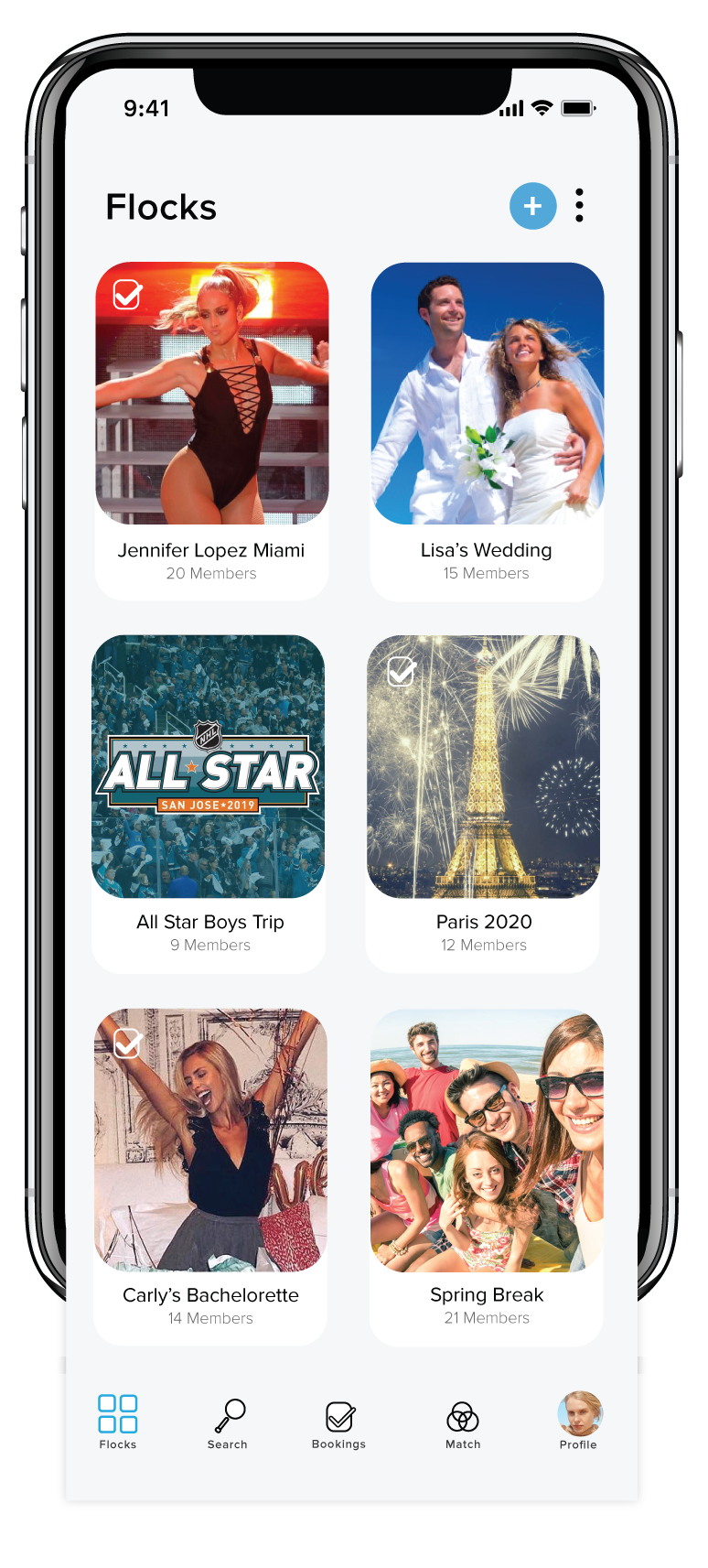
Flock home UX preview
Within each Flock is your created event.
Description and full details once inside.
White checkmark indicates booking confirmed.
Number of members, quick view.
Build your event in a few steps, simple easy and efficient.
Assign admin preferences, Flock name, celebration, destination and budget level options.
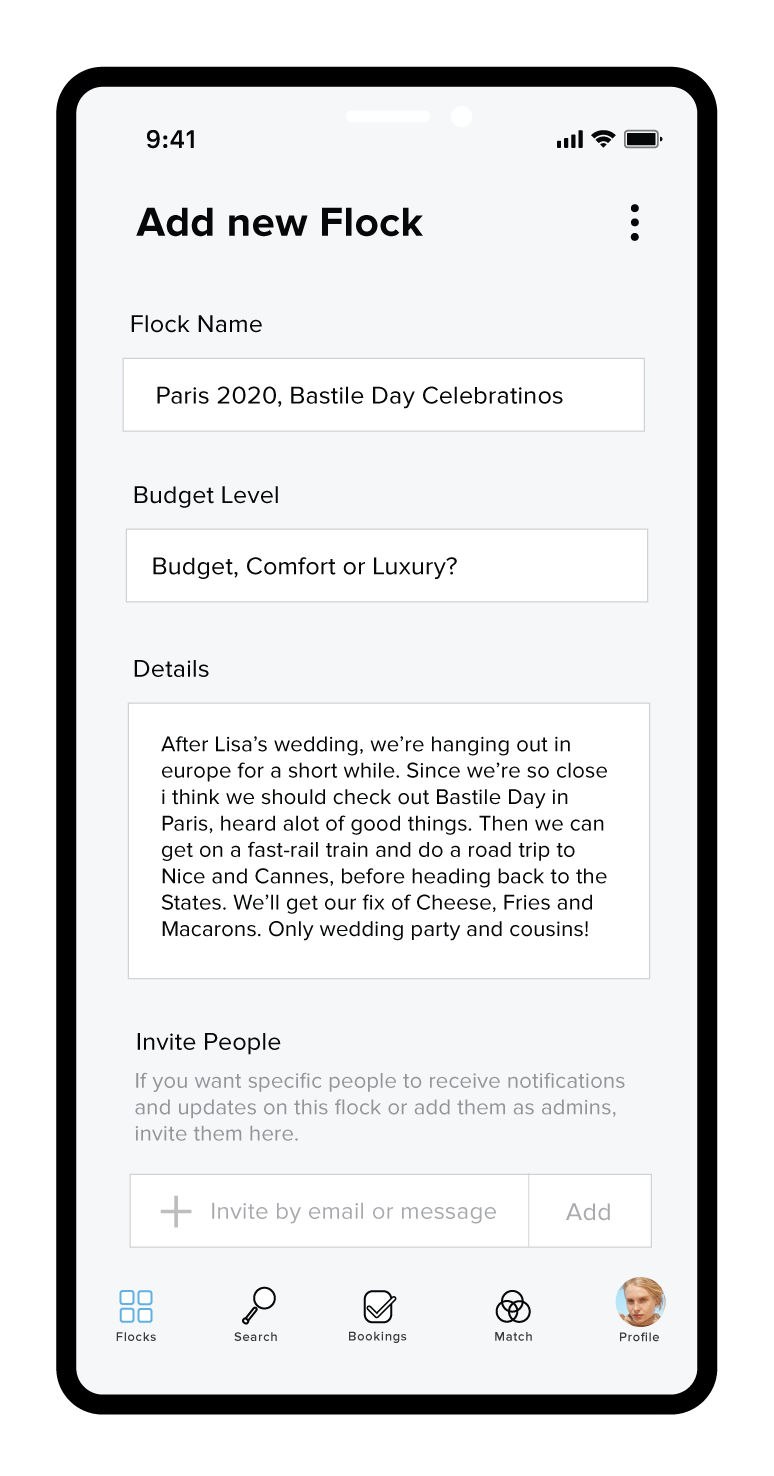
Create flock
Input all the details about your travel event as the admin and share the admin preferences, Budget level along with group guidlines.
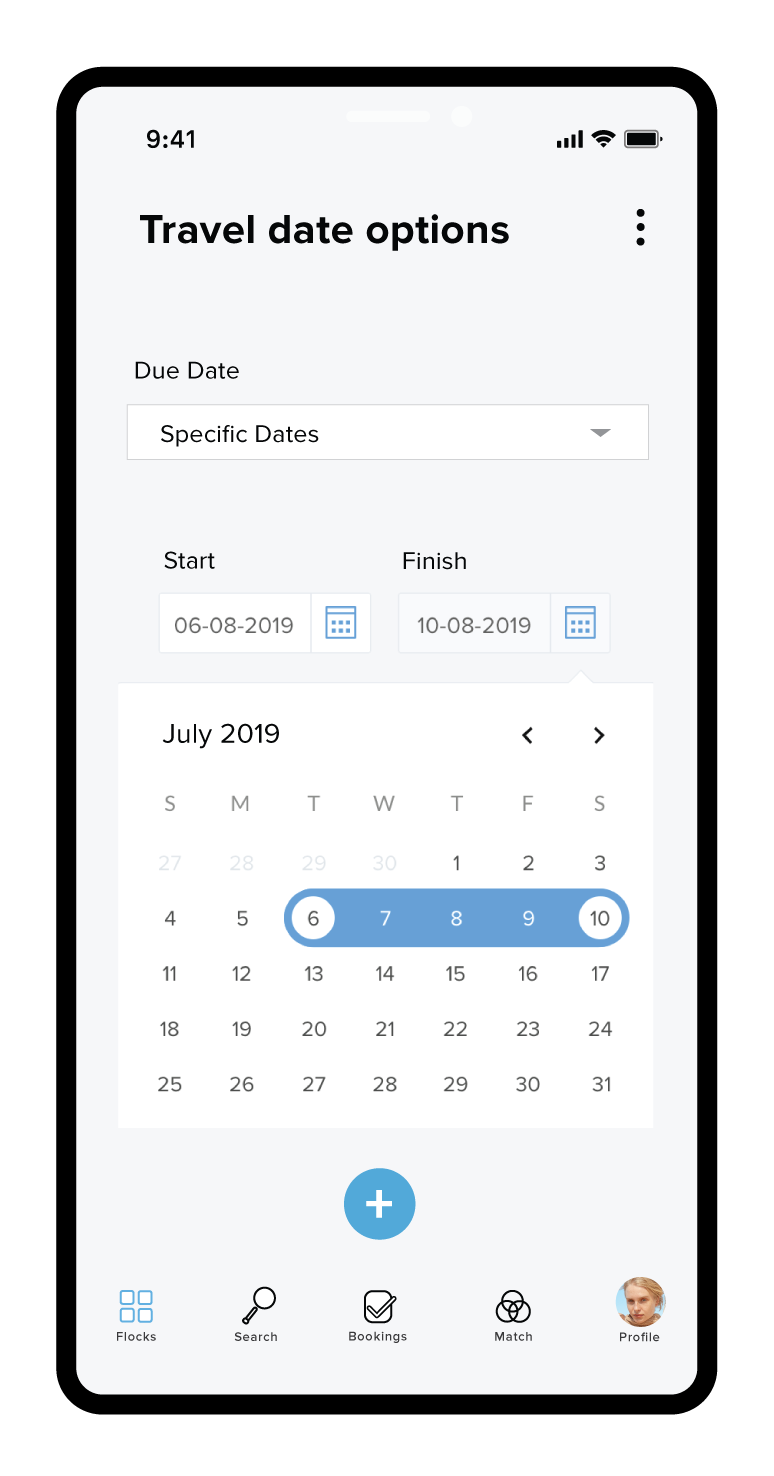
Date options
Adjust the date for the event and have group memebers comment and assign in their profiles flexibility and alternate options for the group to poll.
When it’s all looking nice and sweet, let the games begin!
Review and poll destinations, view all members and alignment of confirmation and deadlines. Alter preferences during the process to suite group needs.
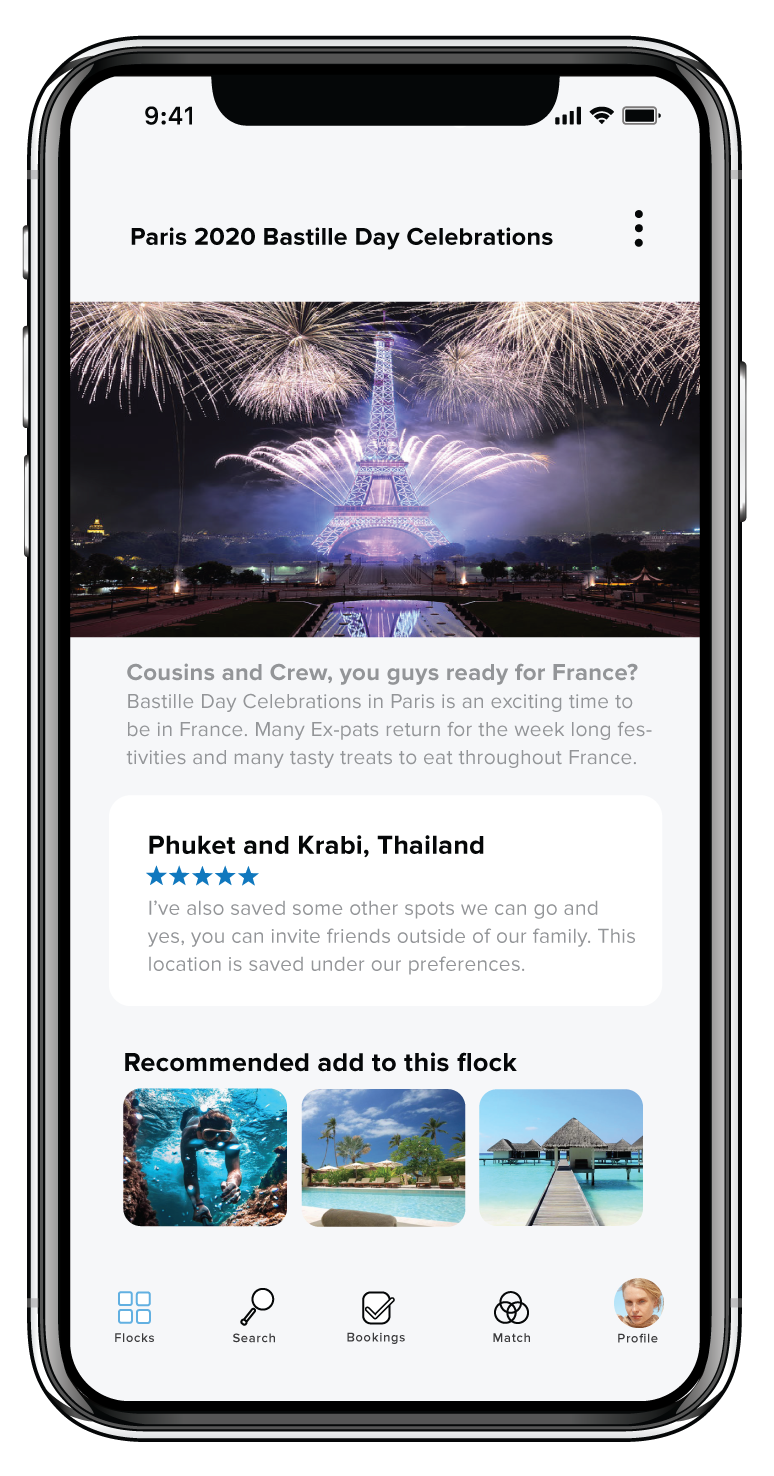
Voila, presto! this is what the frontend populates as. There is also a steady fee of recommendations from flockBot based on group member preferences.
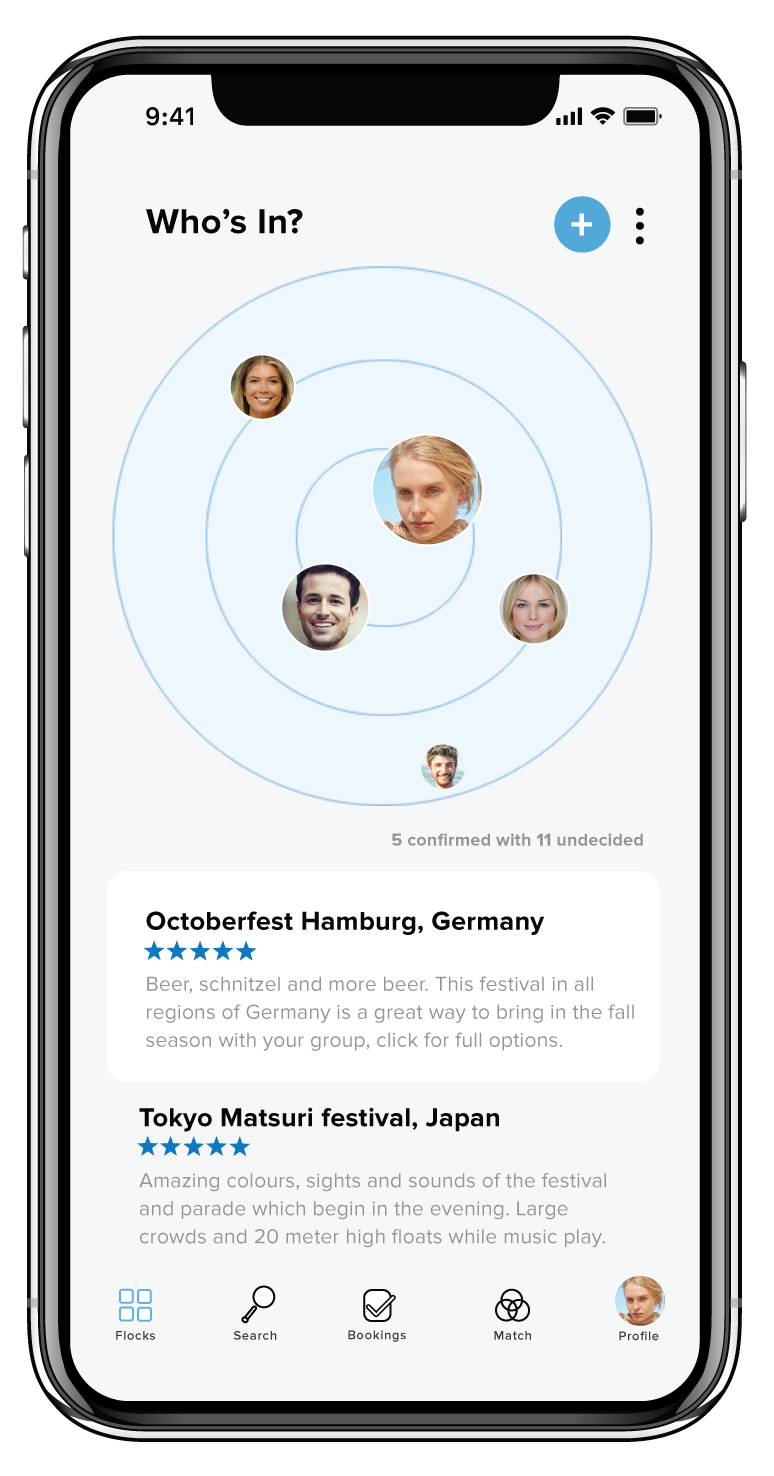
The circle will hold all members who have confirmed booking and layout will display who is undecided along with relevant polls.
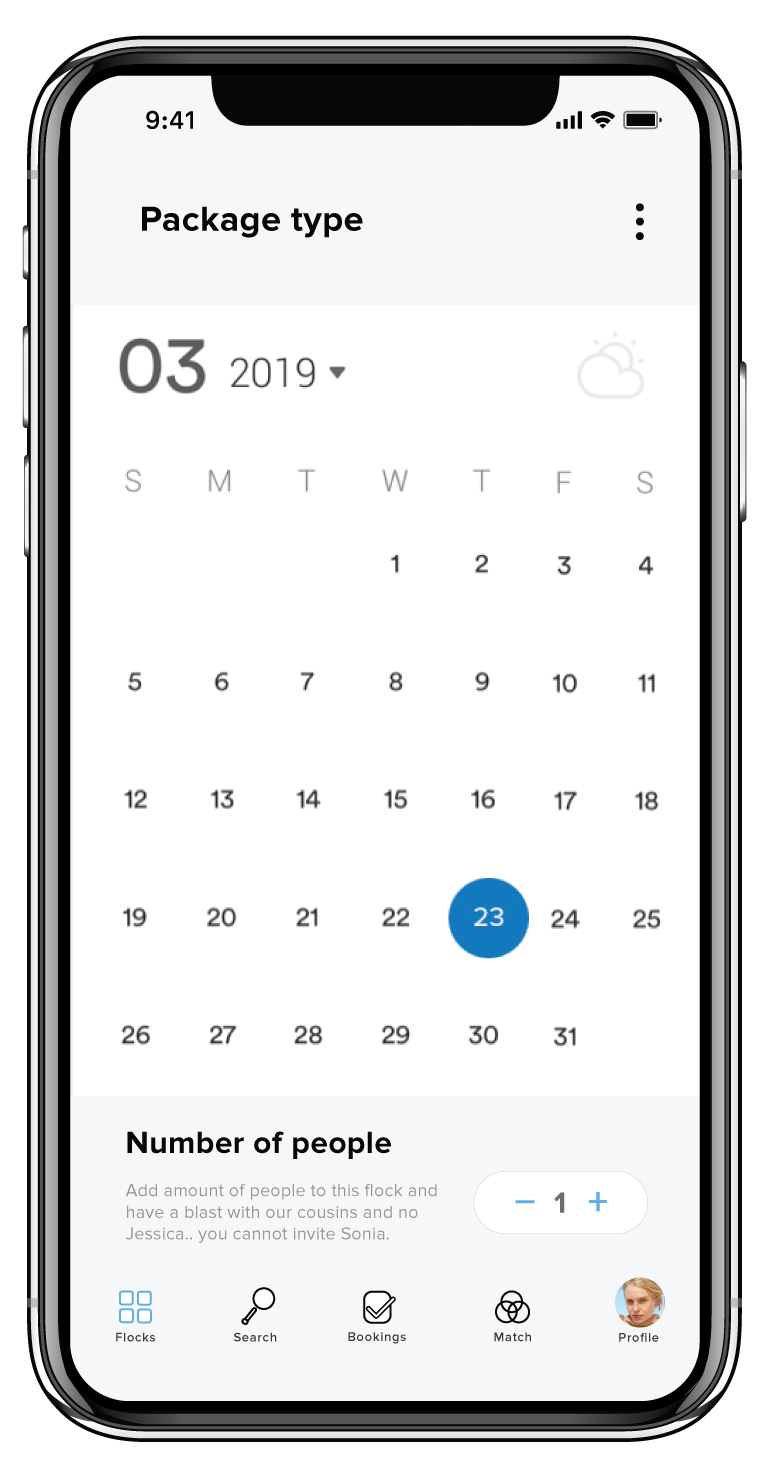
Travel dates can be altered in this preview and additional members can be invited from this preview pane.
Messaging within our platform enables efficiency and member accountability.
No more excuses of not seeing messages to review, join and confirm itinerary.
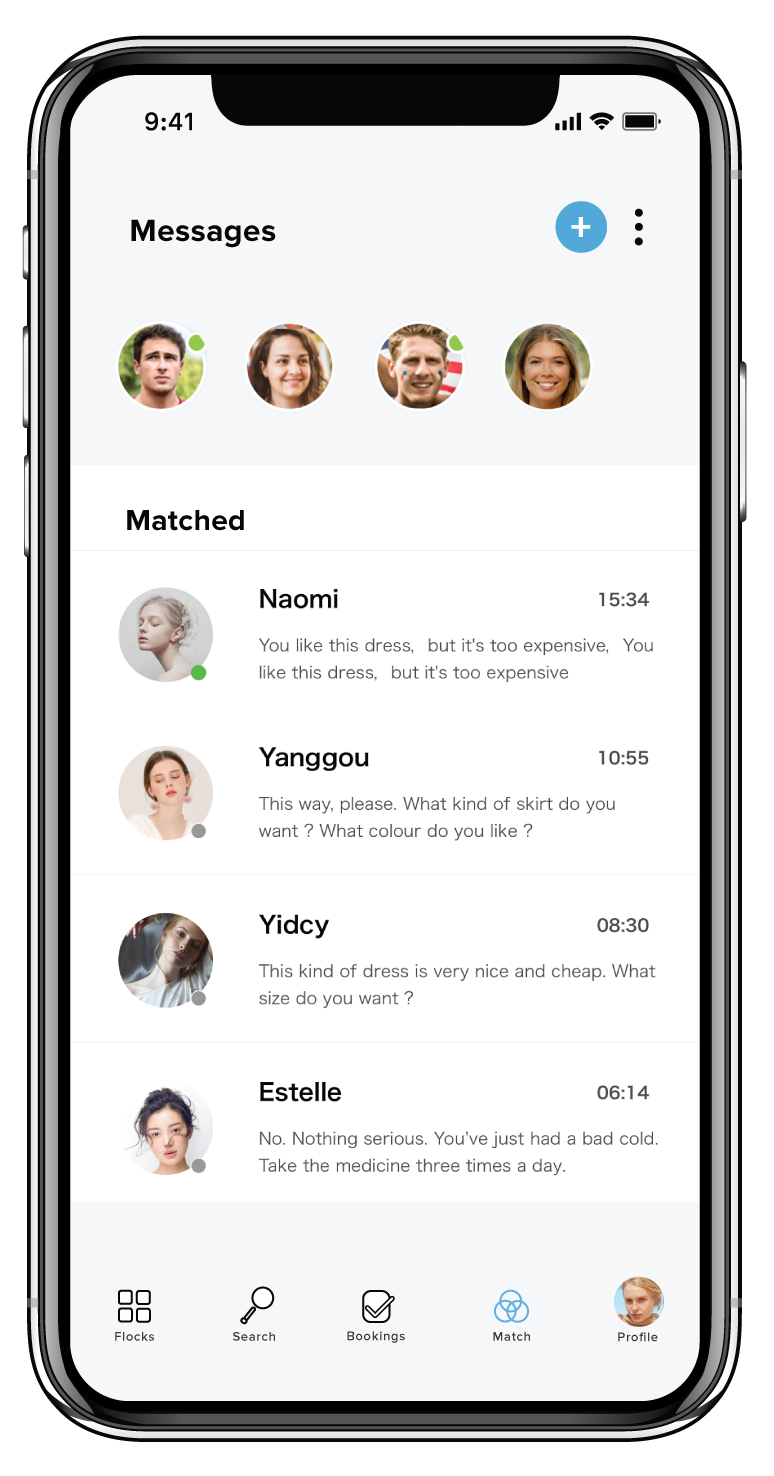
Both flock event messages and match/guide messages are previewed here.
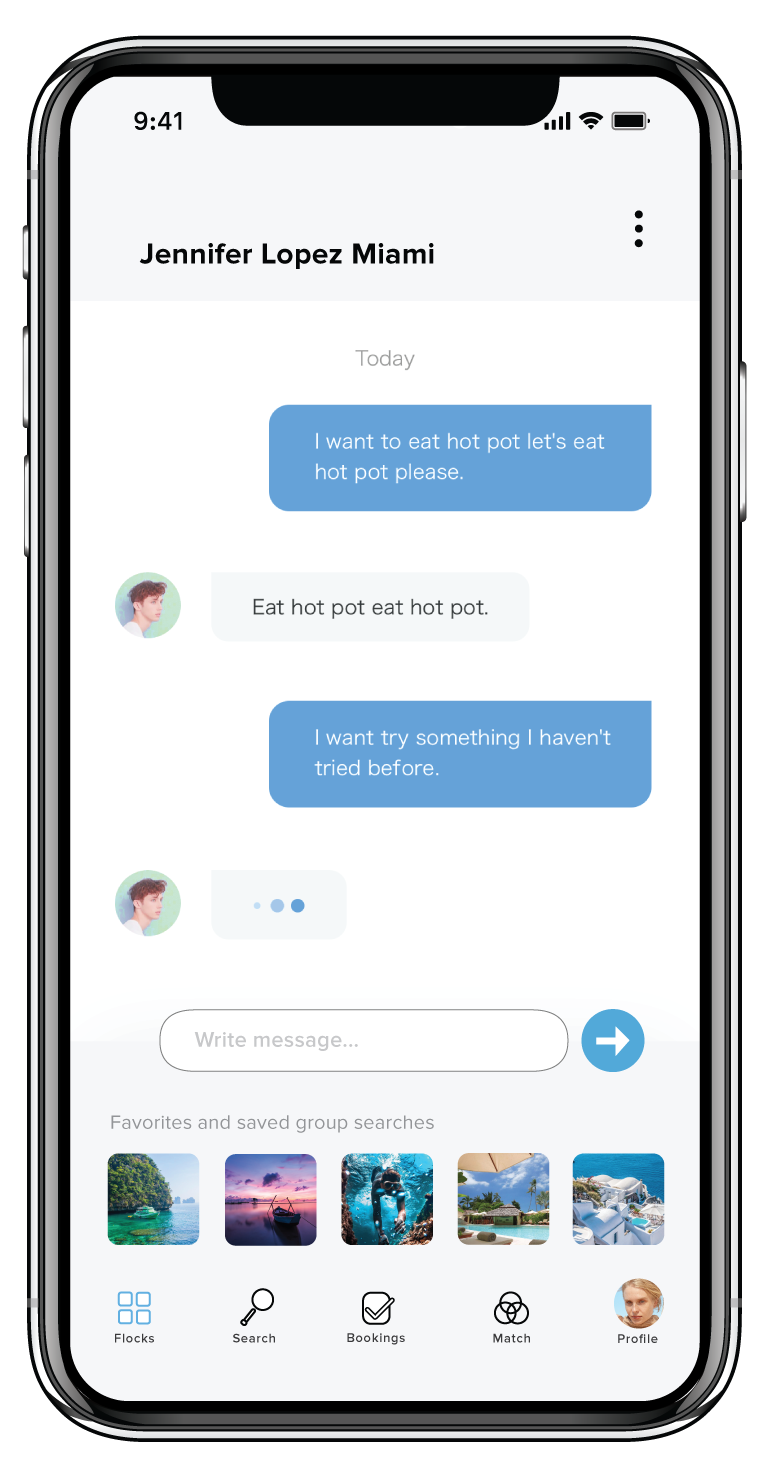
Once chatting with an event flock group memeber there’s a preview of the saved and favorites which the discussion toggles toward.